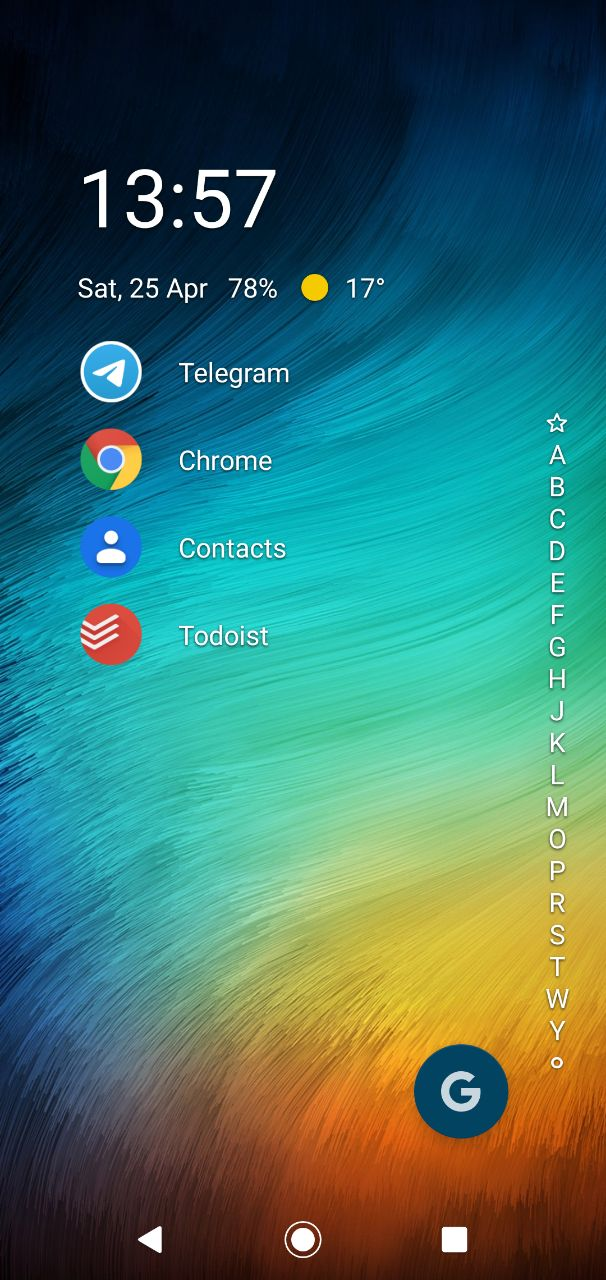
Google search floating action button
Last updated Over 1 year ago
When you want to search something on the web as fast as possible you would usually use a search widget always present on your home screen.
With Niagara however you have a minimalist approach to this fast search. The google floating action button.
How to enable / disable
- go to the bottom of the all apps list
- tap Launcher Settings > Features > Search
- enable / disable the Google search option