All recent apps are blank
I see a similar reported bug but it only claimed to have the most recent become blank as it's replaced with the launcher if I understood the bug report correctly.
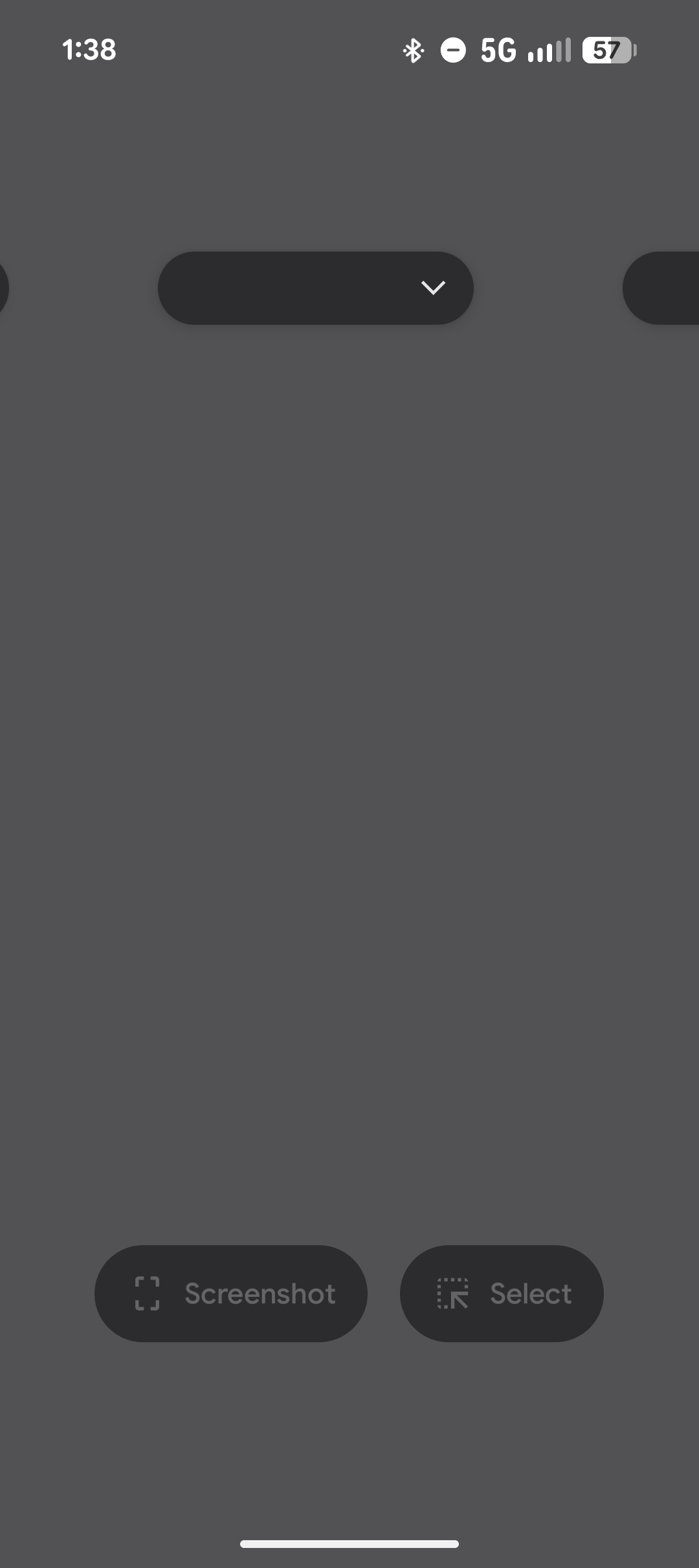
For me, a few minutes after the launcher being enabled ALL recent apps become blank. They're still accessible as the apps they should be however there's no way to see which app is what prior to pressing to open them. This is not happening when I switch back to the default pixel launcher.
- Manufacturer and Device Name
- Android Version
- Problem occurs with other Launchers
- Niagara Launcher Version
Log in to comment and vote
Comments4
Petromir Petrov
Sep 2
This is very easy to reproduce on both Pixel 9a and Pixel 6 (both with GrapheneOS and stock android). Cmon guys, such an old bug
Swes
Feb 7
Same issue here, happens pretty often that when I unlock my phone it's the first thing I see before swiping it away to see the launcher
Pixel 10 Fold
Android 16 (BP4A.260105.004.E1)
Swes
Feb 15
Switched back to pixel launcher 🥺
WOberm
Dec 1, 2025
Same thing happens for me, too (Pixel 8 Pro, Android 16, Niagara 1.15.2, Navigation via gestures).
Originally, under Android 15, I saw the same thing as described in this issue. So: sometimes the Niagara app would suddenly appear in the “Recent Apps” list as the most recent app. When clicked upon, nothing would happen (alt.: the Niagara launcher would open). Afterwards, the Niagara launcher would not show anymore in the “Recent Apps” list for a little while, only to re-appear later for unknown reasons.
Now, under Android 16, the issue changed a bit. The Niagara app still appears in the “Recent Apps” list every now and then (actually quite frequently!), but it does not show the Niagara main screen / the utilized Niagara wallpaper anymore. Instead, the entire preview image for the Niagara app is entirely blank (no preview image and no app title), as seen below.
Again, this can temporarily be fixed by either clicking on the Niagara “app” once or by closing and opening the “Recent Apps” list twice. After that, the Niagara launcher usually disappears from the list. But it will re-appear later (again for unknown reasons).
However, with Android 16 the bug has gotten way worse. Because when it happens, it is not just the Niagara “app” that shows an entirely blank image in the “Recent Apps” list, but every single app in the list (see the image in the original issue description above). Therefore, it is impossible to navigate to to a particular app.
When the issue is fixed temporarily, as described above, all preview images and app titles re-appear. But they disappear again, as soon as the bug occurs again.
This severely limits the usability of the Niagara launcher for me and is so far the only point that makes me seriously consider switching launchers again (even though I already paid for it and really, really like it).