ᎠᎪᎡᏦ
ᎻᎬᎽ Տϴ ႮᎻᎻ ᏆᎠᏦ ᏆҒ ͲᎻᏆՏ ᏆՏ Ꭺ ᏴႮᏀ ϴᎡ ՏϴᎷ
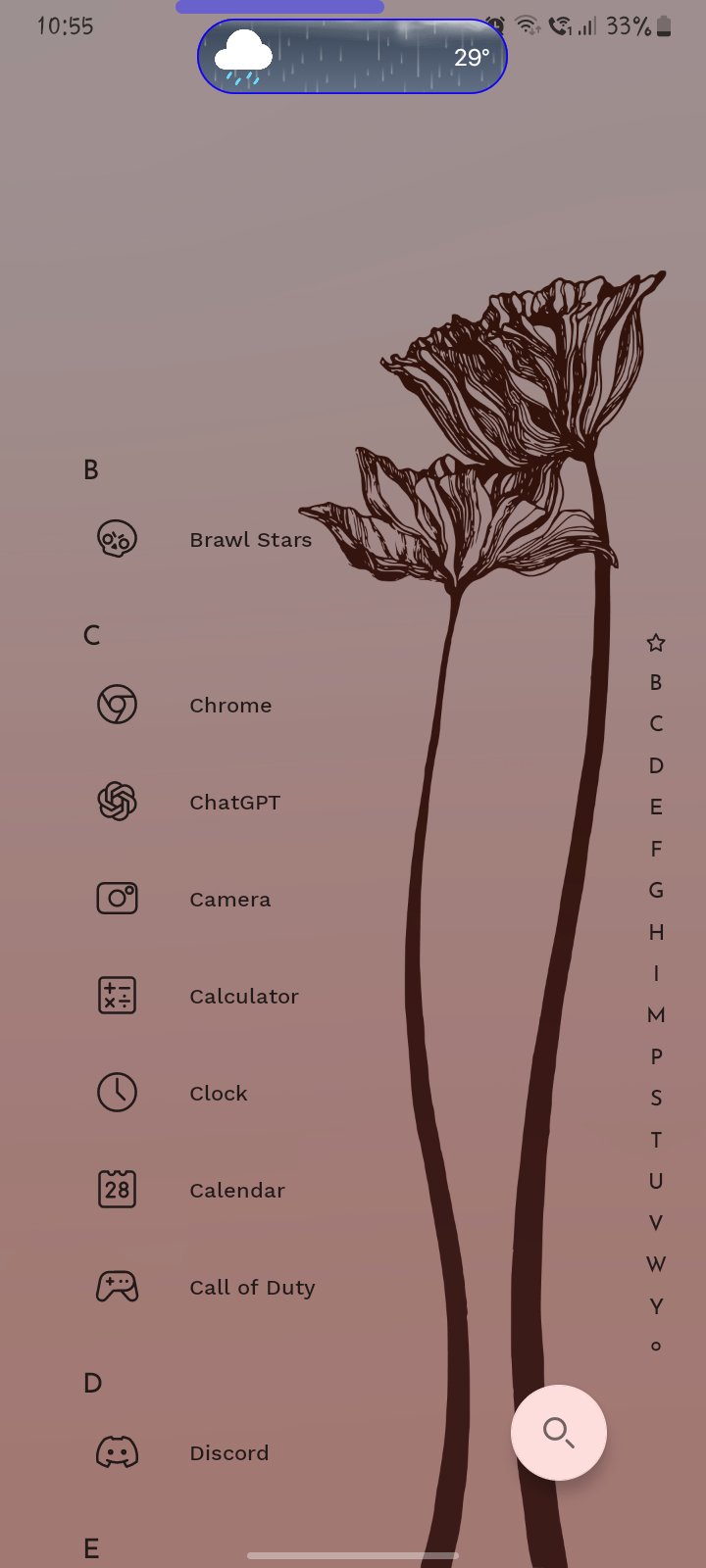
ᎬͲᎻᏆΝᏀ ᏔᎻᎽ ᏆՏ ᏆͲ ᎠᎪᎡᏦ? ᏔᎻᎬΝ Ꮖ ҒᏆᎡՏͲ ᏆΝՏͲᎪᏞᏞ ͲᎻᎬᎡᎬ'Տ ᏔᎪՏ Νϴ ᎠᎪᎡᏦ ᎷϴᎠᎬ ႮΝͲᏆᏞ Ꮖ ᎡᎬՏᎬͲ ͲᎻᎬ ᏞᎪႮΝᏟᎻᎬᎡ ᏆͲ ͲႮᎡΝՏ ᎠᎪᎡᏦ.
- Manufacturer and Device Name
- Android Version
- Problem occurs with other Launchers
- Third-Party Launchers Tested
- Niagara Launcher Version
Log in to comment and vote
Comments1
Tamino Fackler
Nov 11, 2025
You can change text color by going to Niagara settings > Look > Text color > Light.
By default, it should be on “based on wallpaper”, which tries to pick the best option between dark and light automatically.