Clock Shrinks When it moves
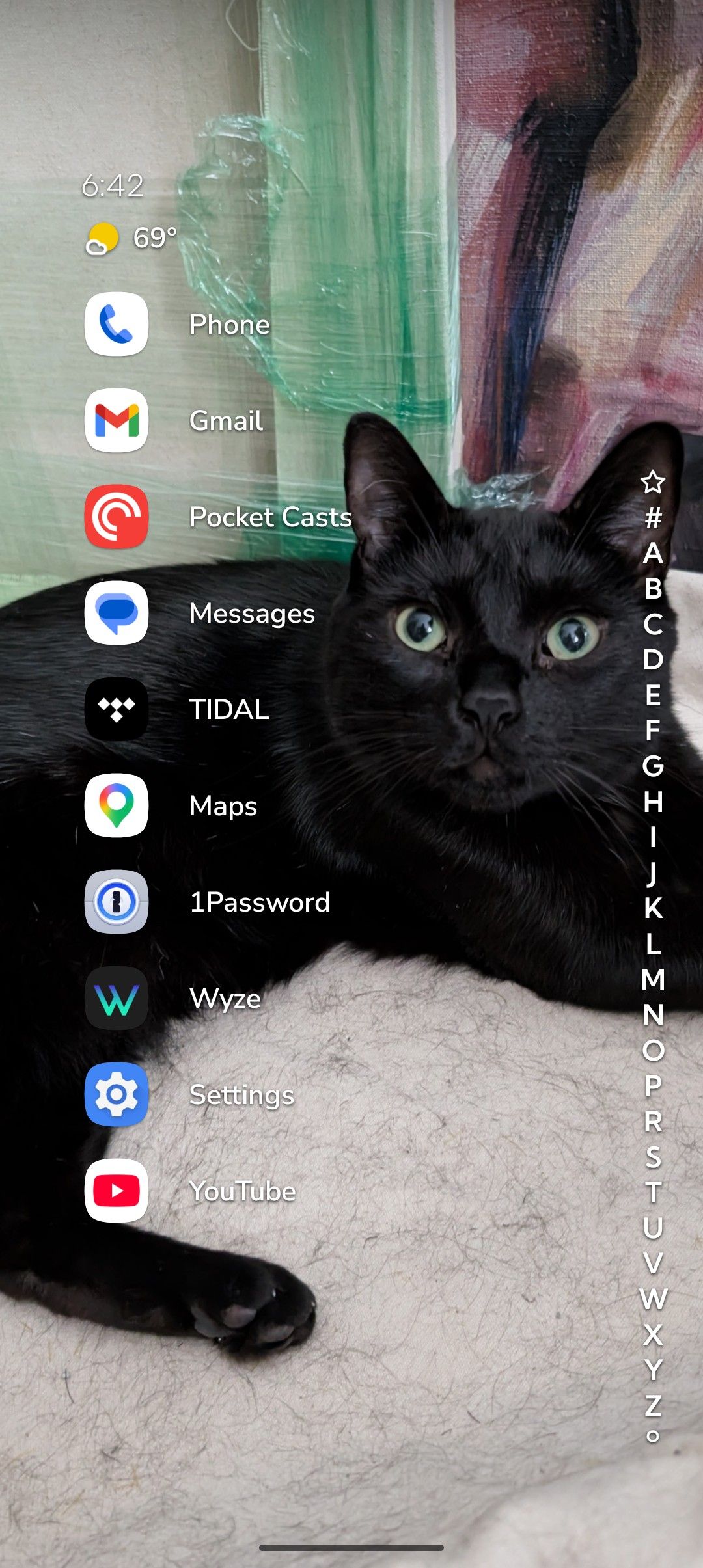
Hi The clock widget shrinks when I move it to the top of my homescreen on my pixel 11 pro.
When I try to use a different clock app, it launches as invisible.
Please help, thanks.
- Manufacturer and Device Name
- Android Version
- Problem occurs with other Launchers
- Niagara Launcher Version
Log in to comment and vote
Comments1
Surfer Bot
Sep 16
Thanks for the report and the screenshot. There are two separate things in there, so let us take them apart.
The clock switching to a smaller variant as it moves up is the part that already has a thread on the board, and yours sounds closest to New clock styles behave weirdly when moved all the way up (8 upvotes, In Review). Upvote it if that matches what you see, and say so here if your case is actually different, because then it is worth keeping as its own report.
For the second half: a third-party clock goes in via Niagara Settings > Productivity > Add Custom Widget (in the Advanced section), then long-press it on the home screen and tap "Replace clock with widget" (Custom Clock). Which clock app is it, and does it stay invisible after you switch to the app list and back? Your form says 1.16.28, which is the current version, so this is not something an update would clear up.