Darkened background for icon pack view
While picking a new icon for an app I need to scroll through the list of possible icons to pick a suitable one. I like to use the “Outline” icons which require a dark background to be discernible. I use a wallpaper (one of yours) that is dark on the left, but bright on the right. However, in the icon selector the icons are shown against my wallpaper in a grid of 4 icons wide. This means that some icons are positioned over a part of the image that they otherwise (in daily use of Niagara) never appear over.
In this specific case there is a contrast requirement for the icons that does not apply anywhere else:
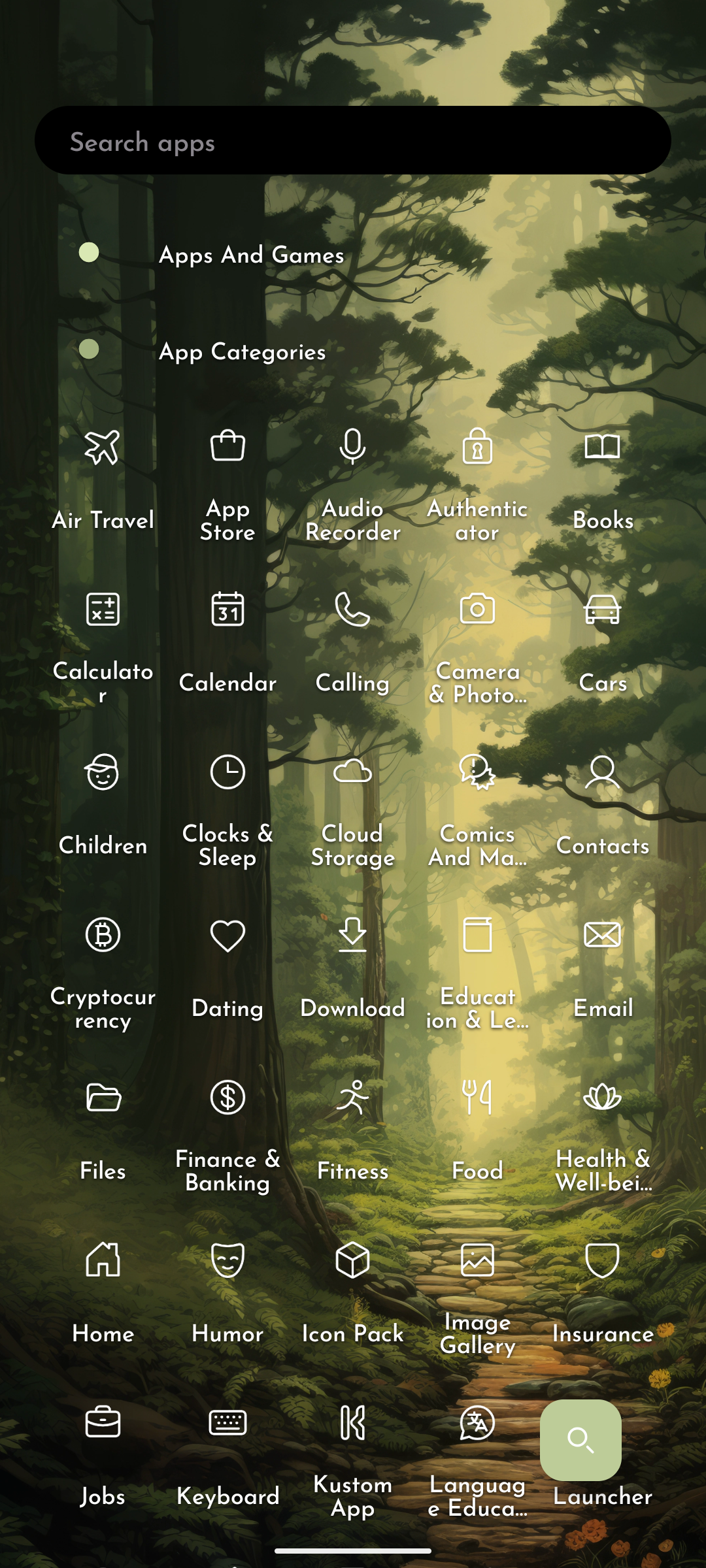
Please darken the background in the icon pack view.
- Category
- Miscellaneous
Log in to comment and vote
No comments yet
Be the first to share your thoughts.