Fold7 icon size disparity between cover and main displays
Fold7, One UI 8, Android 16
Select Niagara Settings|Icon Size
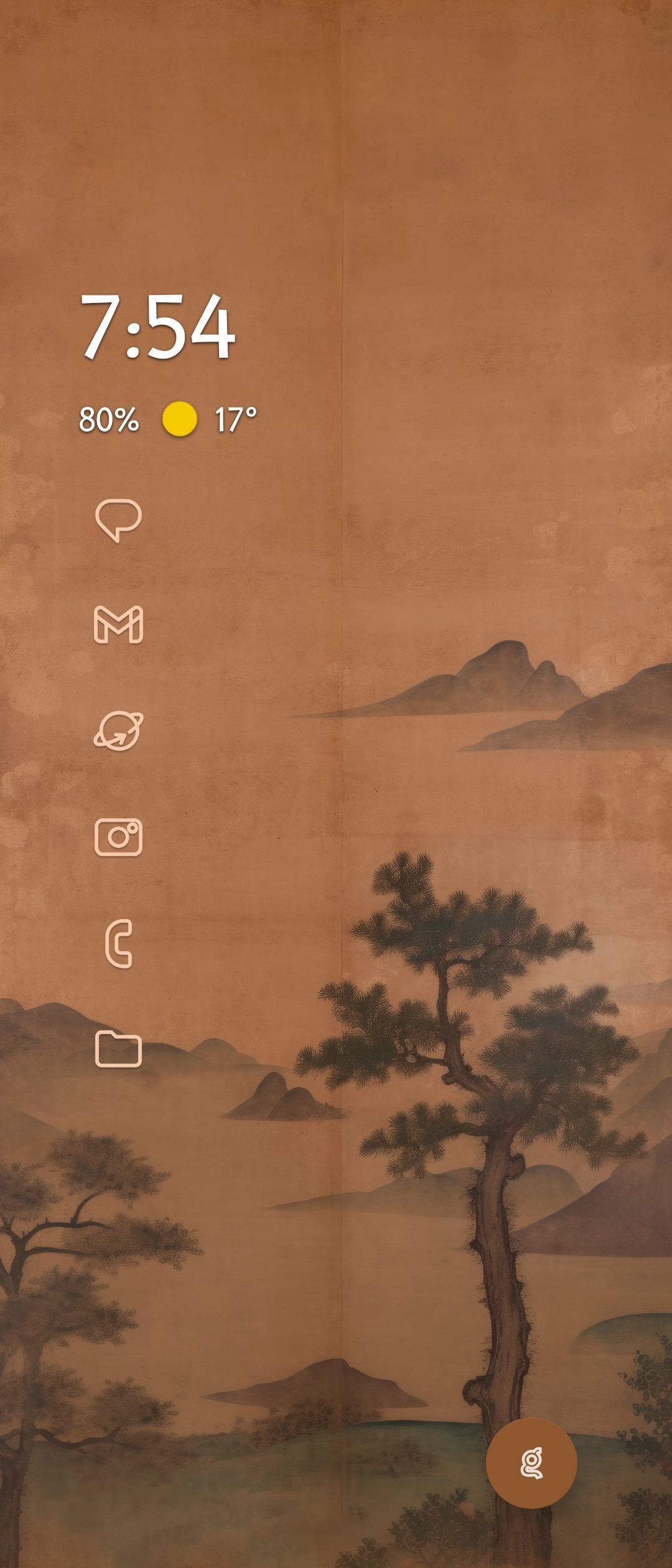
View “cover” display (folded, 1080×2520, 422 ppi) — note icon size
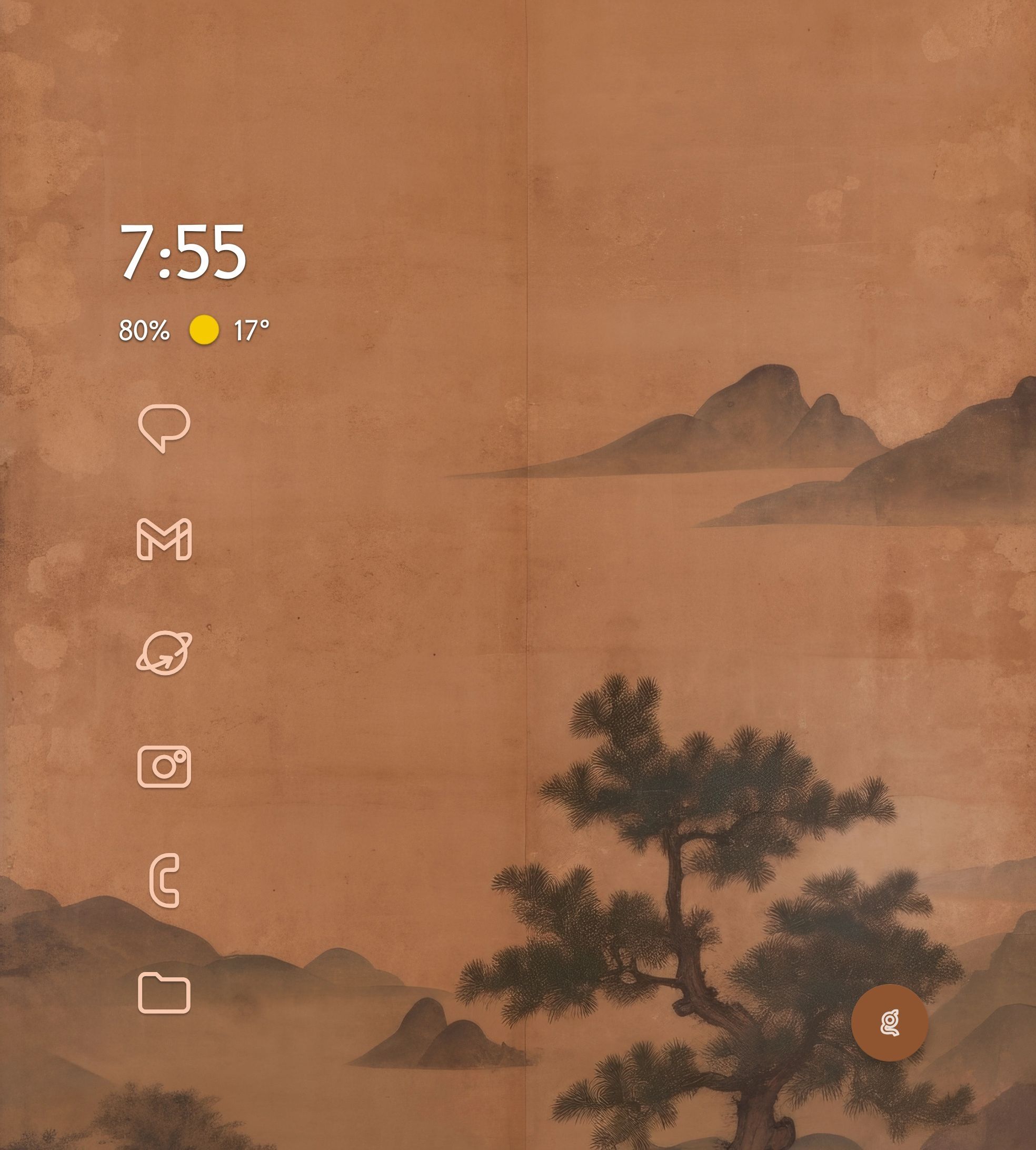
View “inner” display (unfolded, 1968×2184, 368 ppi) — note icon size
Icons on inner screen appear too large, perhaps 50% larger. There is no one icons size that is appropriate to both displays.
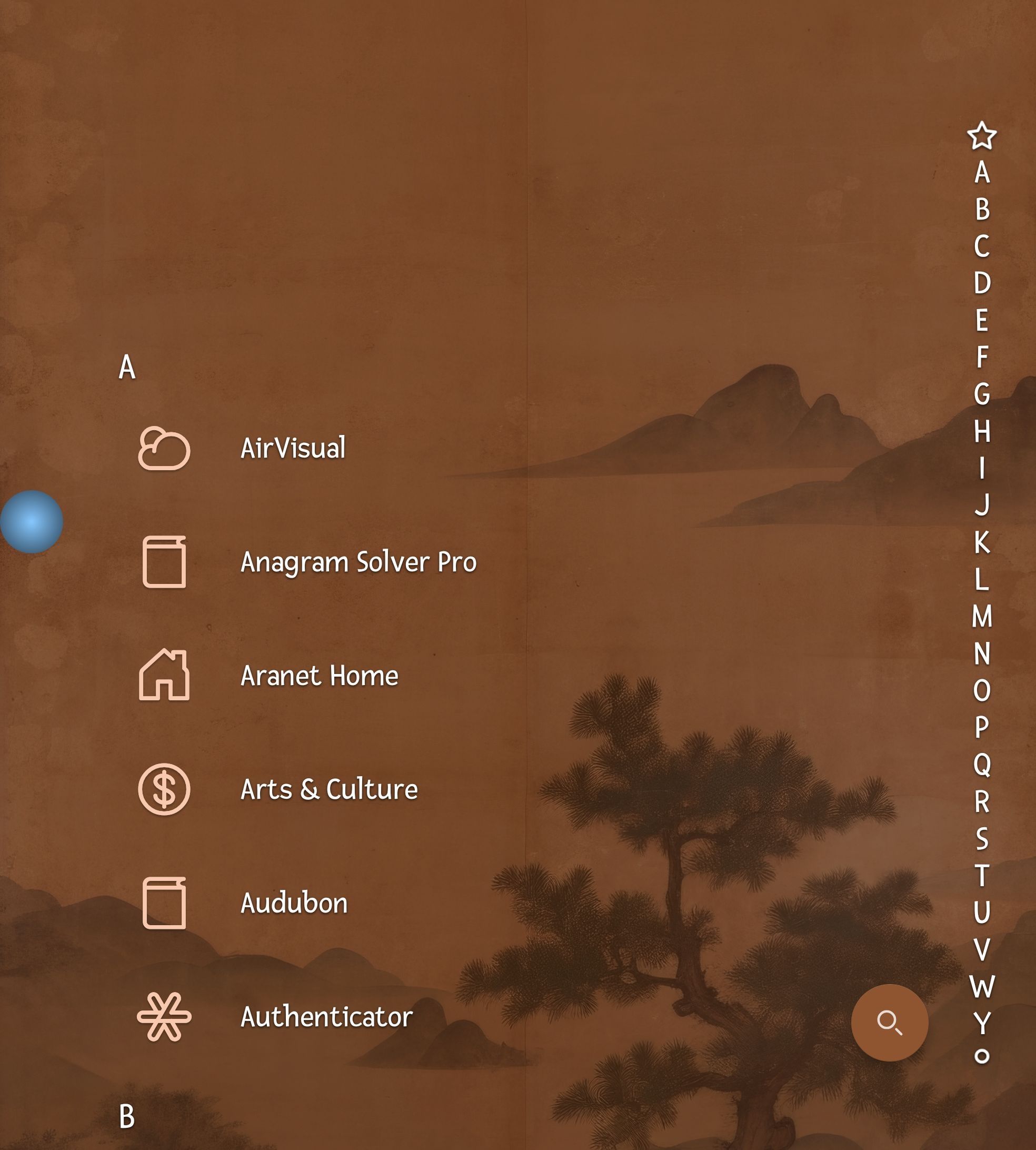
Font size suffers from the same disparity, though it is not as pronounced.
This does not happen on a Fold5.

- Manufacturer and Device Name
- Android Version
- Problem occurs with other Launchers
- Third-Party Launchers Tested
- Niagara Launcher Version
Log in to comment and vote
Comments8
Sep 5, 2025
PinnedWe have identified the issue. The new foldable devices have a strange form factor (almost 1:1), which caused our tablet sizing to take over on the inner screen. We have adjusted it so that only large tablets use the tablet sizing, while most foldable devices use a slight adjustment instead.
This change will take effect with 1.14.9.
If you still encounter the issue after the update, please let us know with your device name and information about the screen size and density of your device.
nobl55
Sep 5, 2025
Thanks for taking the time to look into this issue. Much appreciated. Any time frame as to when 1.14.9 will be available?
Tamino Fackler
Aug 26, 2025
PinnedAfter investigating we have found that bigger icons and bigger text are intended features for large screens. However, this part was written back when we did not support foldable devices yet, meaning this functionality is meant for tablets primarily.
Our plan is to introduce more intermediate values, so that the icons and text only increase in size a little bit on common foldables.
I will send some screenshots with example before and after sizes and would like to hear some feedback on it :)
Brian MacAskill
Aug 26, 2025
I don’t know about other foldables, but the Fold 5 looks fine, and the Fold 7 does not (I have both).
The Fold 7’s screens are roughly the same pixel density — why adjust at all?
Main: 2184x1968 ≅368ppi
Sub: 2520x1080 ≅422ppi
Tamino Fackler
Sep 5, 2025
My initial assumption that it had something to do with the density was wrong. It was actually the detected screen size causing the larger icons.
Aug 25, 2025
PinnedWe have also gotten a report about the alphabet size being different on the inner and outer screen.
We assume this is caused by the different screen densities either not being handled correctly or them not being reported to Niagara Launcher correctly.
We are currently investigating.
Shawn Steinlauf
Sep 13, 2025
I am really glad I found this; was about to give up on Niagara for my Fold 7 (after using since 2021) as the inner aspect ratio for the icons was killing me. In 1.14.9 this is resolved, and Niagara is my primary launcher anew! Thanks you :)
nobl55
Aug 25, 2025
•Merged request
•2 votes
Icon size problem on Fold 7
I adjusted my icon size on the front screen the way I wanted it. But on the inner screen (unfolded) the icons are way way too big. Is it a Samsung/system but or Niagara. And if so can you fix it?