Manage membership Google account login bug.
Go to Niagara settings > Niagara Pro > Manage membership > Login / Change email address> Use Google Account
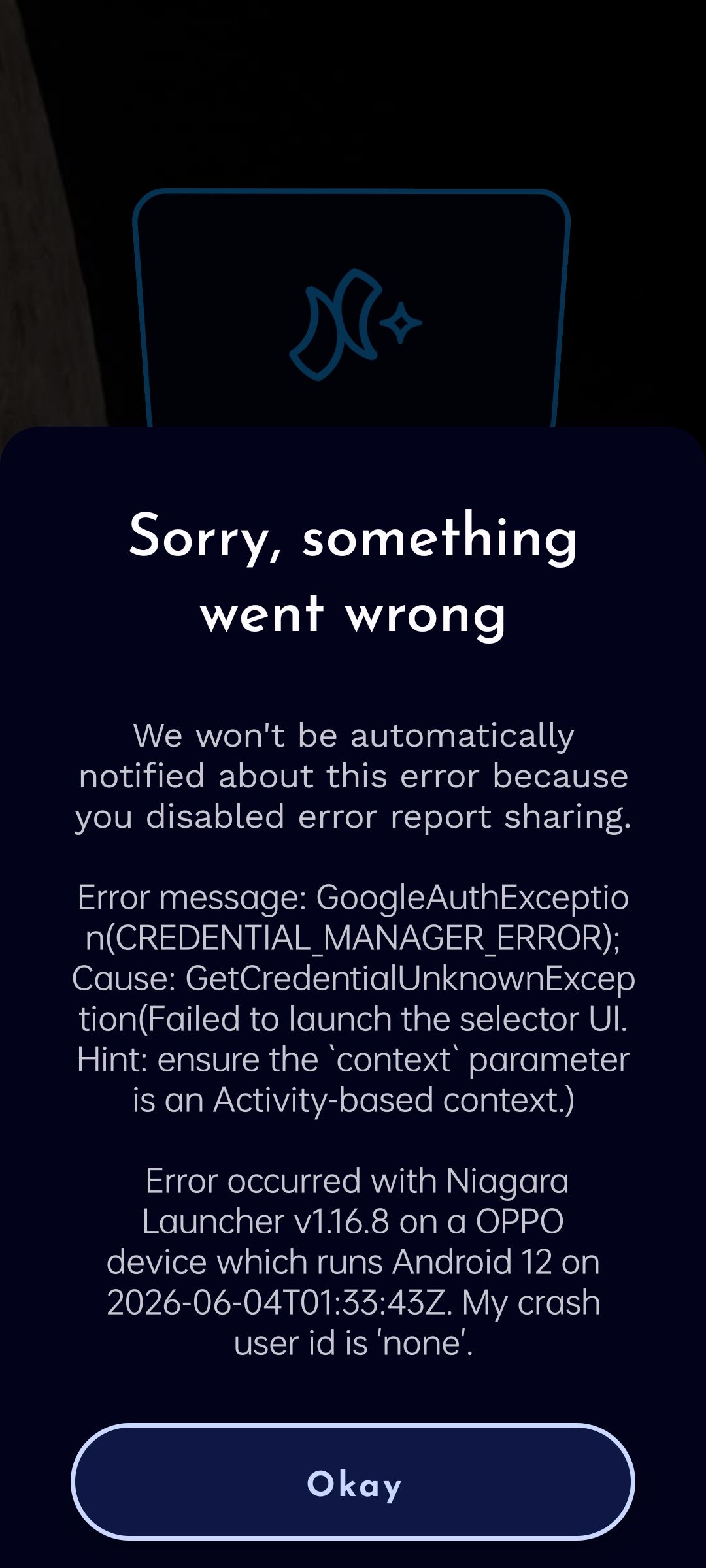
A GoogleAuthException / GetCredentialUnknownException error will occur…
Bug as been automatically reported via the error sharing diagnostic of Niagara advanced settings as well…
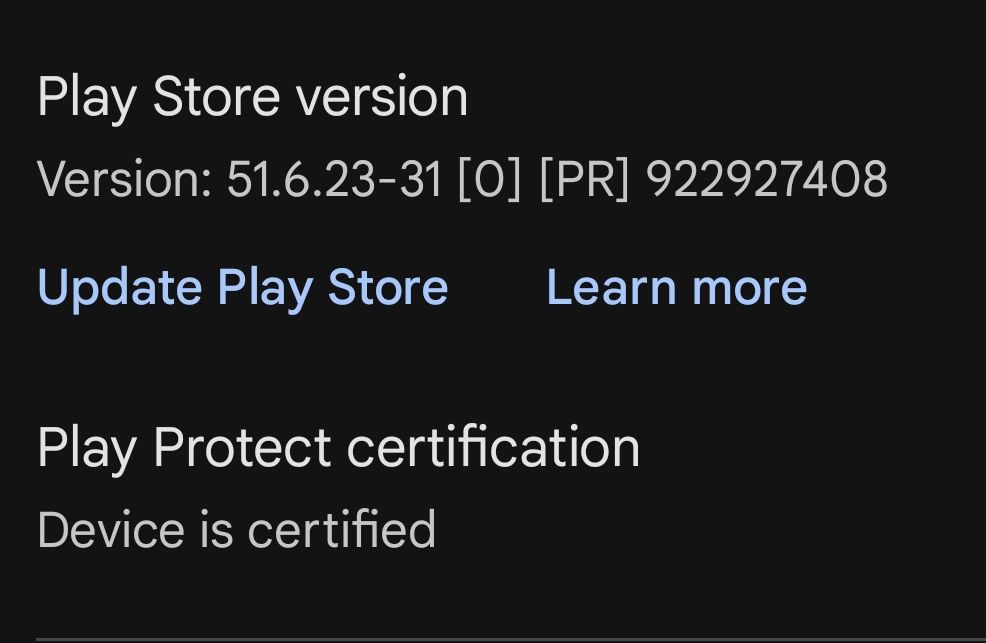
Please find attached to the present bug report, screenshots of the mentioned error as well as the Google Play Store version number.
_________
- Manufacturer and Device Name
- Android Version
- Problem occurs with other Launchers
- Third-Party Launchers Tested
- Niagara Launcher Version
Log in to comment and vote
Comments1
Mickey Nordan Cairo
Sep 1
I'm also getting this exact bug