Missing default & reset to default options on app icon change menu
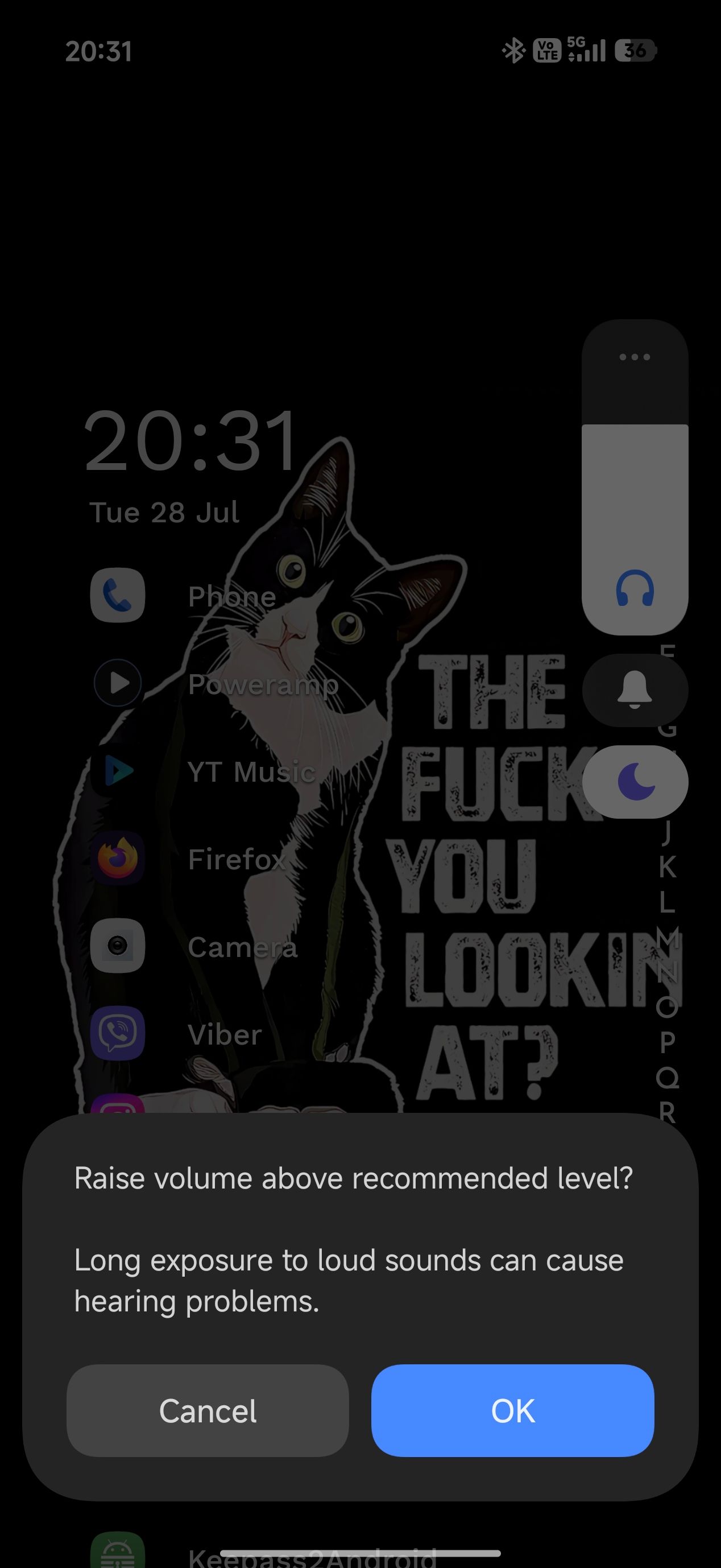
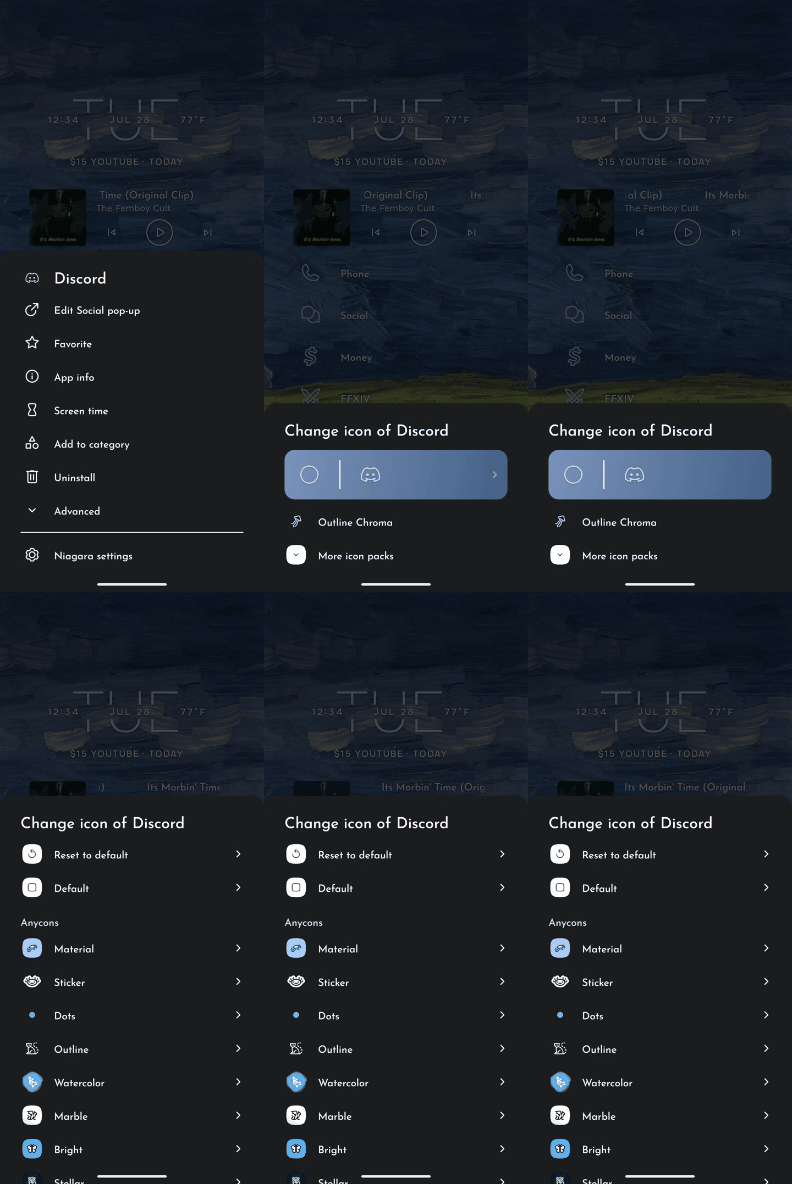
I was told to post here when I asked how to change camera icon to my default pbone’s icon and in the process we figured I'm missing the menu ‘More icon packs’, ‘Default’ & ‘Reset to default’
1st video is what menus I have, 2nd video is what I should have.
- Manufacturer and Device Name
- Android Version
- Problem occurs with other Launchers
- Niagara Launcher Version
Log in to comment and vote
Comments2
NL Help Bot
Aug 31
Thanks for the videos, they show the difference clearly. You posted this on both boards, so let us keep the discussion here on the bug report and treat this as the main thread.
One detail would help us place it: does the menu also lack those entries for an app you have never changed the icon of, or only for ones you edited before? And if you open Niagara's theme settings instead of the per-app icon menu, is the icon pack list complete there?
lp
Jul 29
My bad, the first video I posted is wrong. This is the correct one, for some reason it won’t let me edit the main post.