Niagara Clock Widget resetting on fold screen
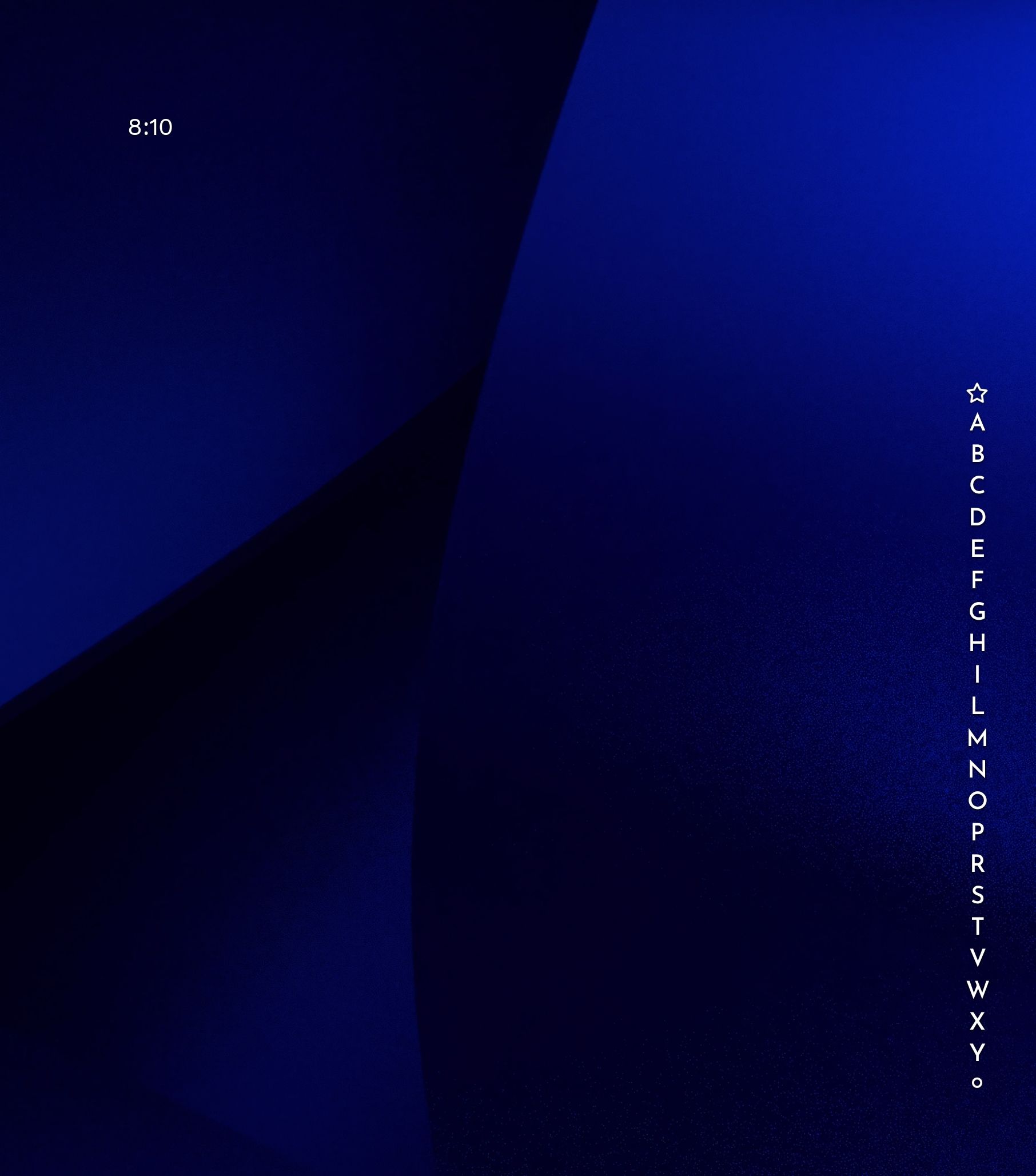
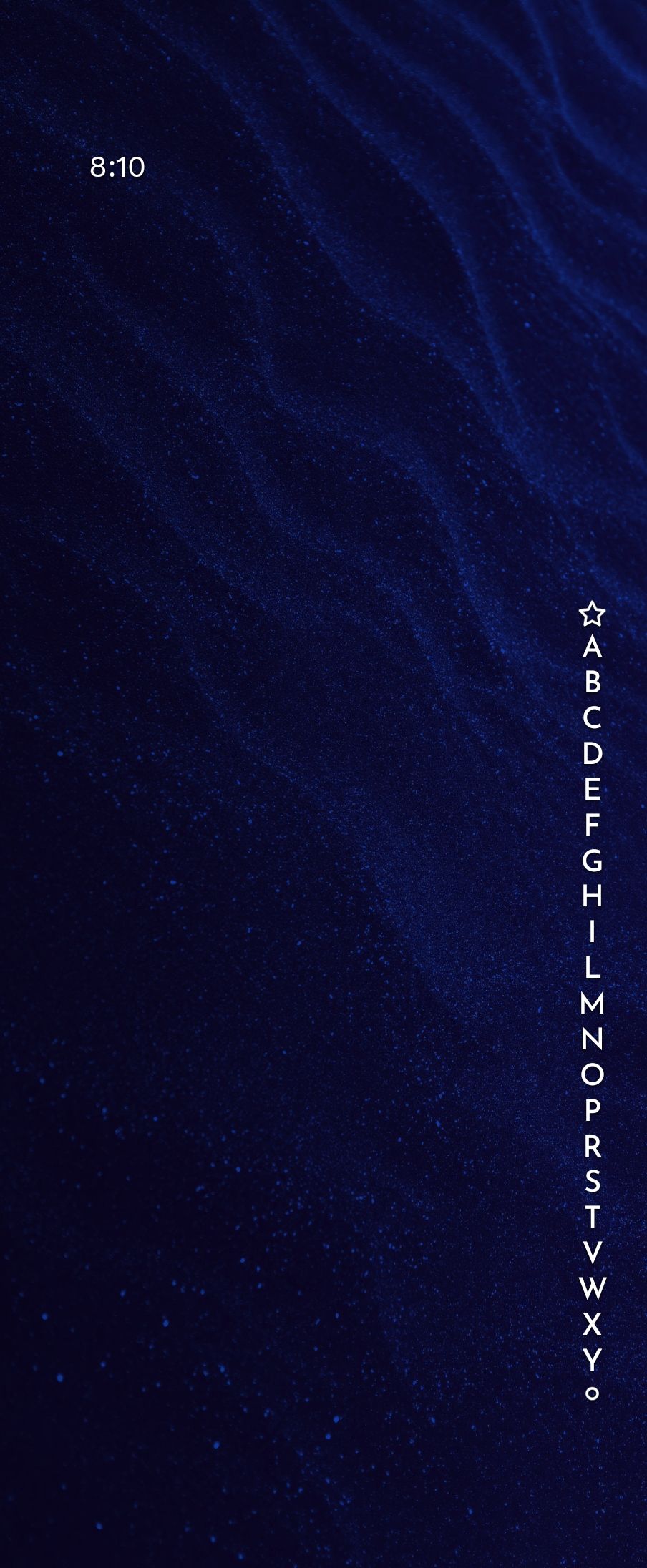
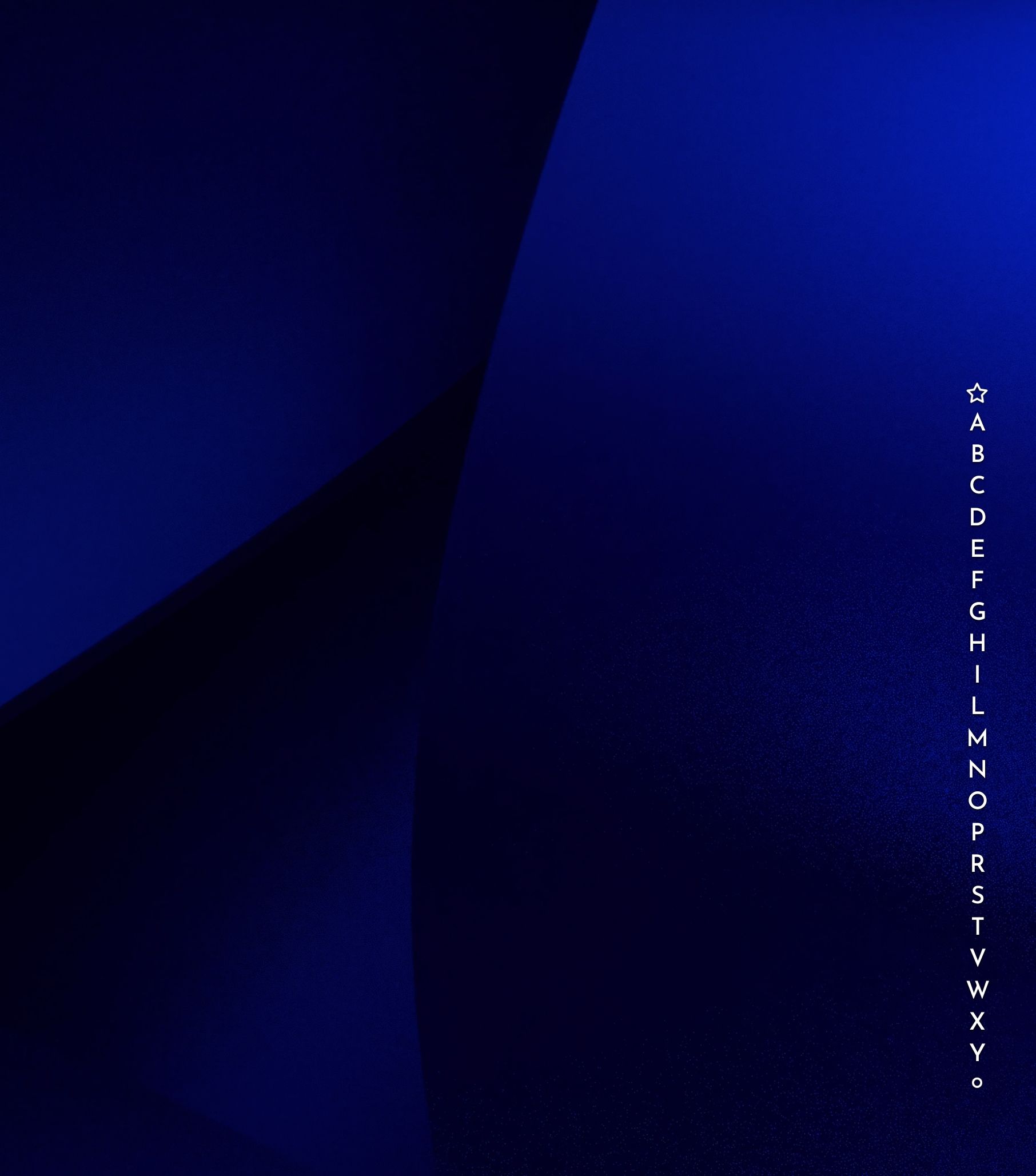
Niagara Widget (Long Press Widget) > Clock Style > Free clock style 2 (Day(Name), Month, Day(Number) Battery Percentage). When using this clock Style and removing the date (Niagara Widget(Long Press) > Calendar > Show date: Off) on either screen, clock resets back to Free clock Style 1. Images; Clock in top right. Image 1 (Screen 1: Big screen) has no clock and invisible widget [Expected], image 2 (Screen 2: Small screen) is second screen after closing the phone [Clock style 1 present when desired clock is clock style 2], Image 3 is the first screen after opening the phone again [Same as image 2].
- Manufacturer and Device Name
- Android Version
- Problem occurs with other Launchers
- Niagara Launcher Version
Log in to comment and vote
No comments yet
Be the first to share your thoughts.