Own theme breaks when I change lock screen settings
Hi and thanks for a great application!
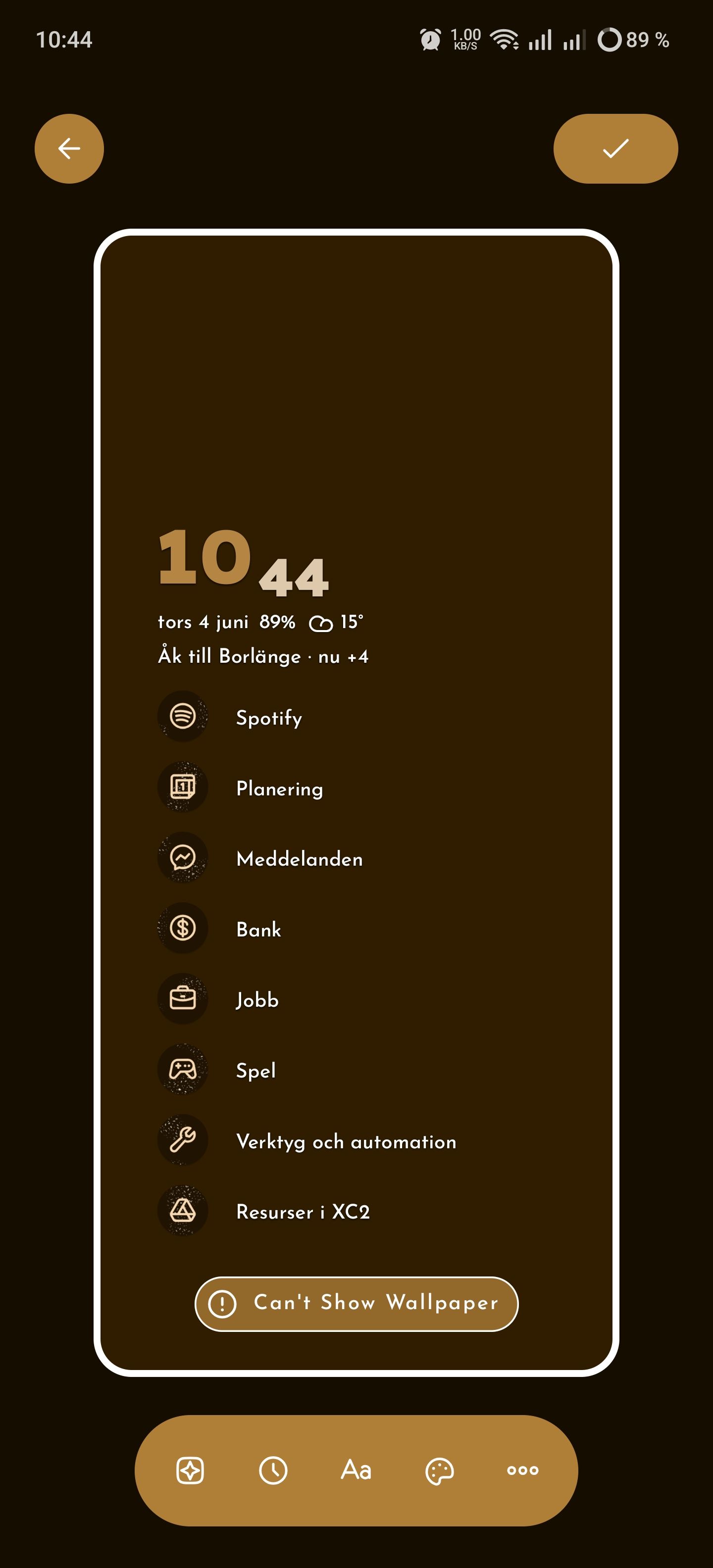
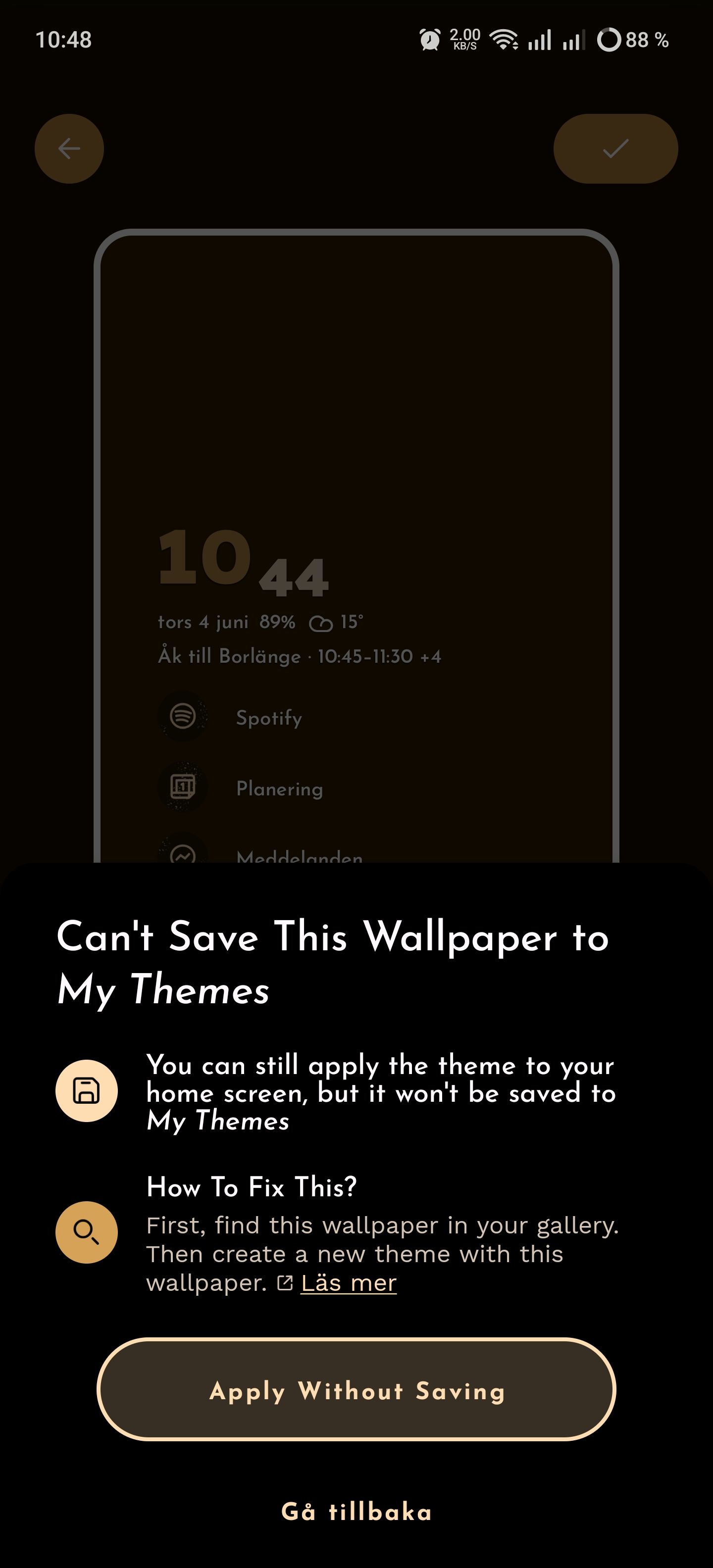
I tried out the new theme creation feature. Works well except for that my lock screen resets to default settings (on Oneplus this means the horrible red number 1, which I can't stand) so I have to go adjust them manually in my phone settings. This happened when I changed theme in previous versions too, but I could live with that. Now when I've changed my lock screen settings and go back to Niagara Launcher “edit theme”, I get the error like the first image. I can still apply changes to my theme at this state, but not save them.
Steps to reproduce
Create a new theme
I choose a wallpaper from my device
I go to my phone's system settings
I change lock screen settings
I go to “edit theme” in the Niagara Launcher settings, change something like the clock type or icons
Here I see the result in the attached image.
The “How to fix this” button does not offer any help.
I use app version 1.16.7 with Pro subscription.
Thanks!
Sincerely,
Mikaela Hedberg
- Manufacturer and Device Name
- Android Version
- Problem occurs with other Launchers
- Niagara Launcher Version
Log in to comment and vote
Comments1
Mich Engelbrecht
Jun 16
Cannot change home screen thru create theme option