After changing the app icon of the Voyager app ( a Lemmy client) from the in-app menu, I'm unable to launch the app from any of the Niagara launcher interfaces (recently installed apps, app list or search) with an error app isn't available. The app can still be opened via the suggested apps section in the tasks screen of OneUI
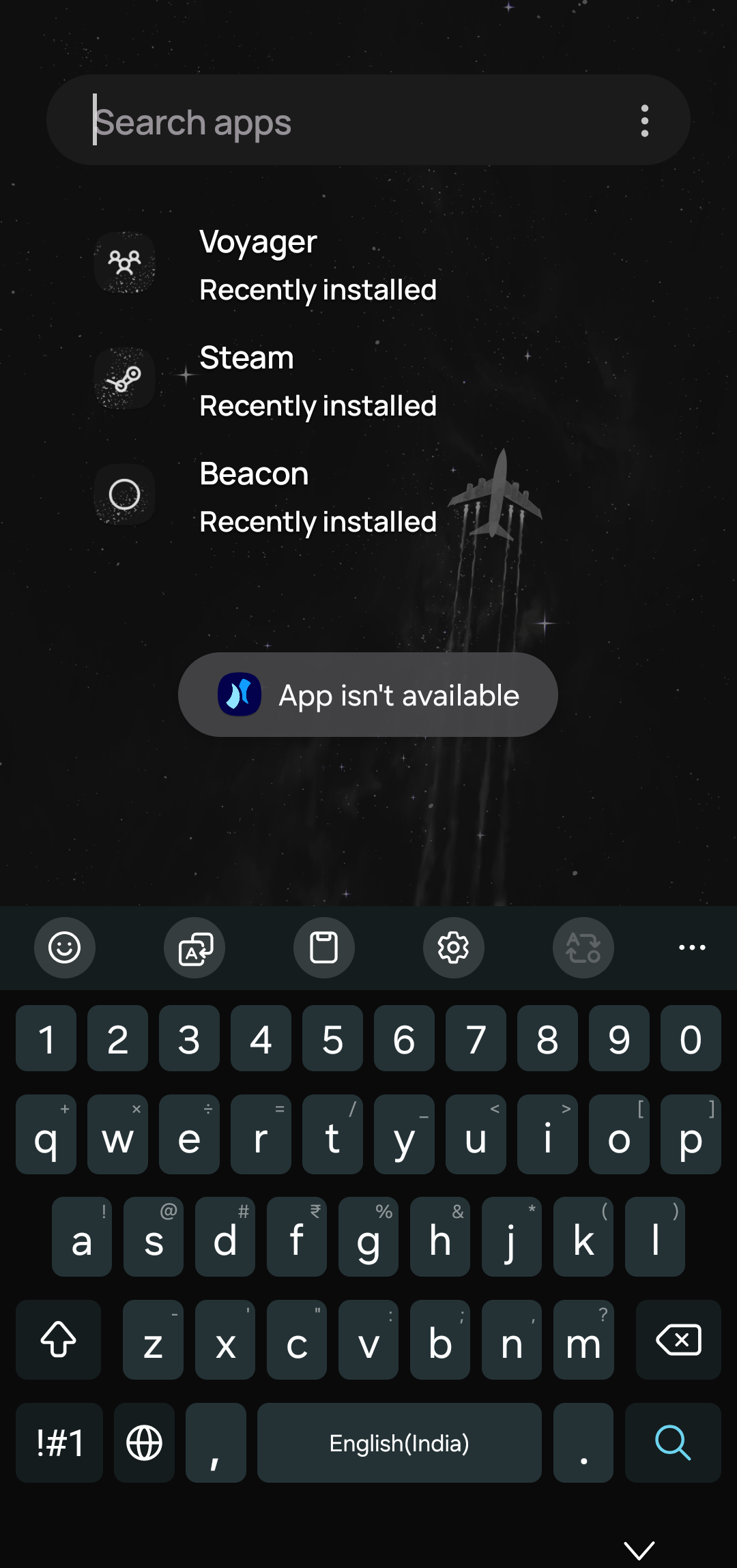
Steps to repro:
1) Install Voyager
2) Use the Voyager in-app settings to change the launcher icon
3) Try to open the app from Niagara interfaces.
