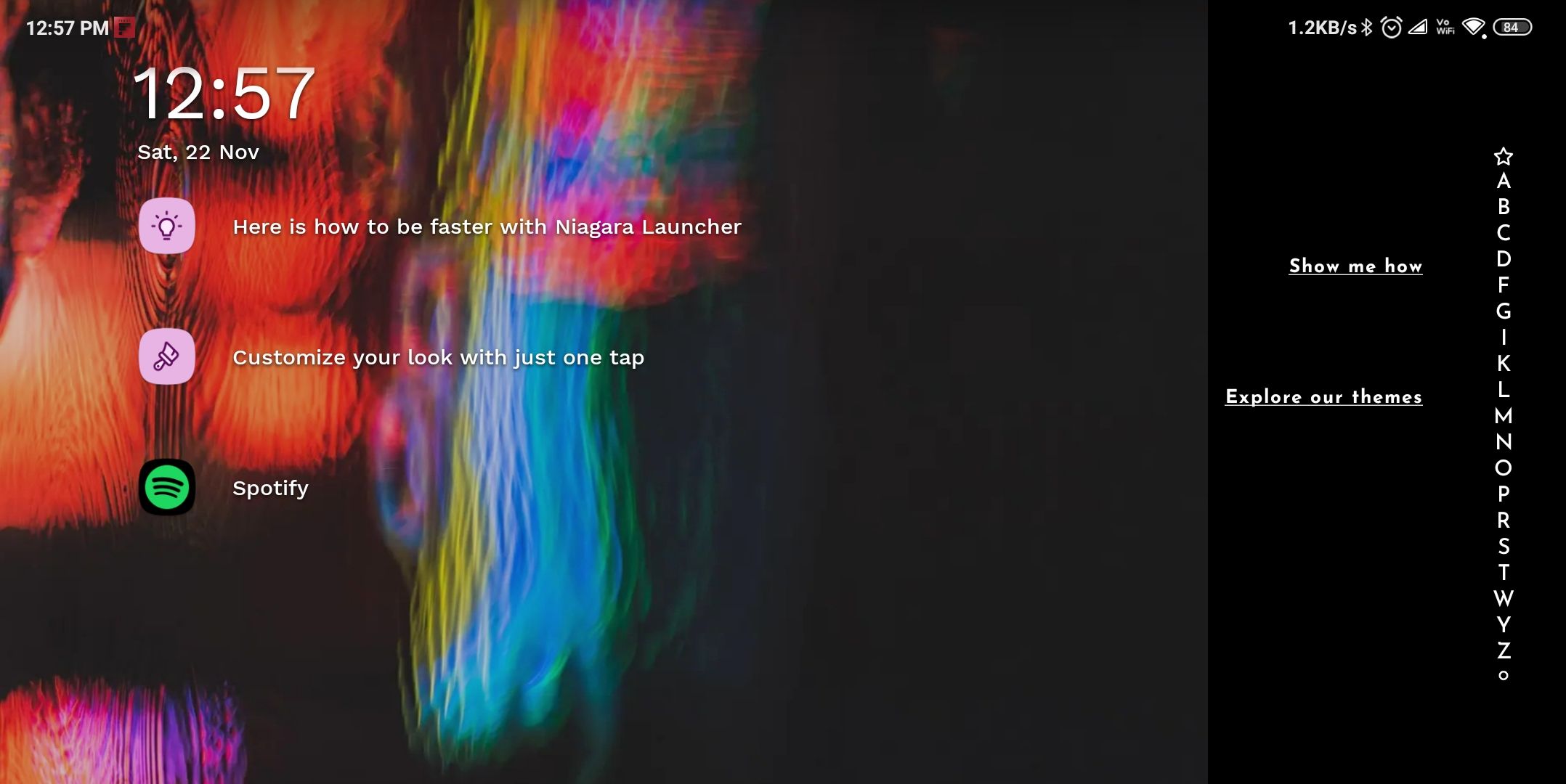
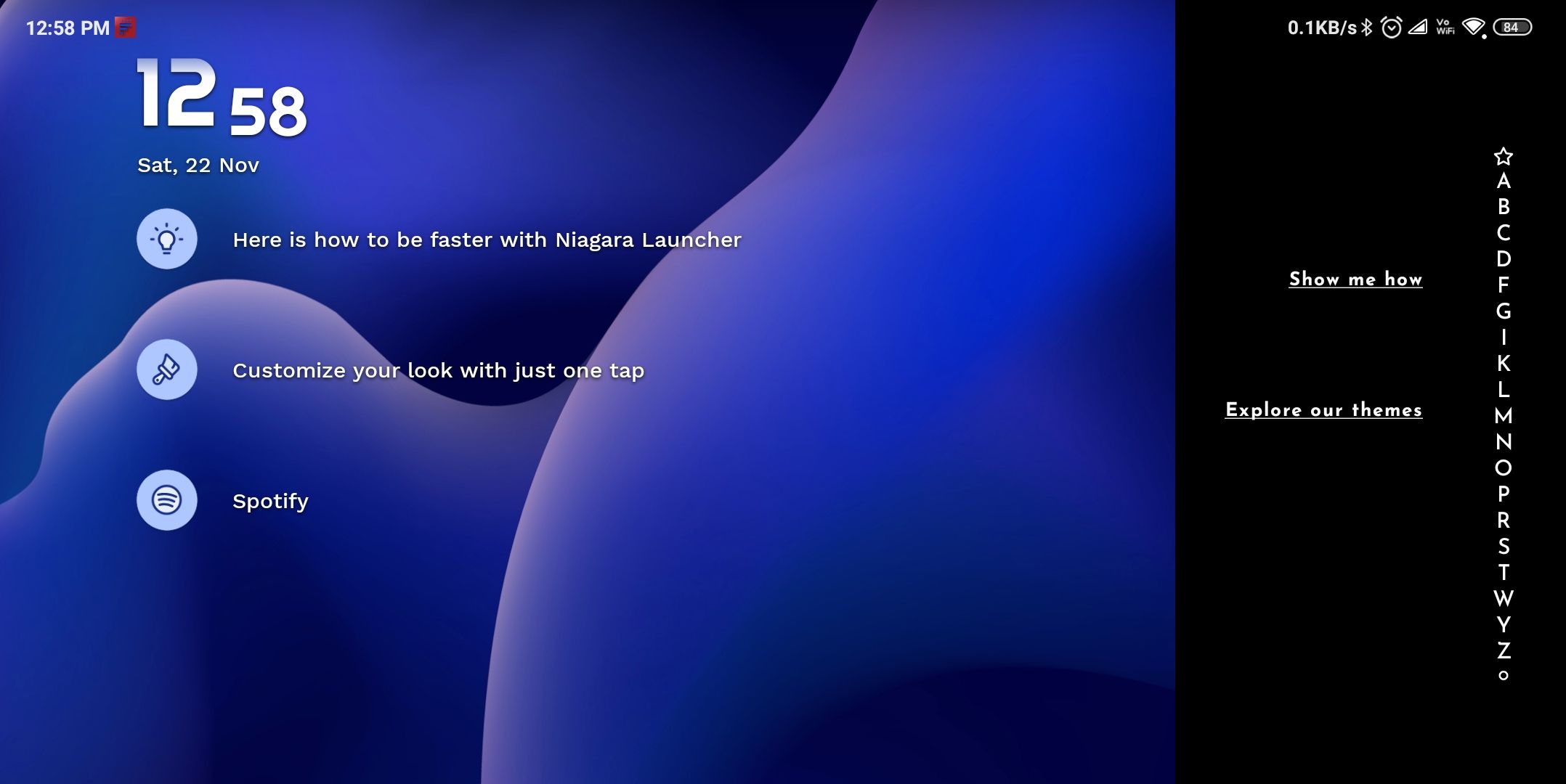
When on Landscape Mode... Wallpaper get cut in half
it's the same as I have mentioned above the right turn on the auto rotation mode of Niagara launcher and I give the permit for auto rotation from the notification shade then, when I put my phone in the landscape mode everything goes landscape….except the wallpaper which for some reason gets cut in half so only the left side shows the wallpaper while the right side has a black screen.
You can see it in the screenshot I have provided below please fix it as soon as possible because I love to use my phone on landscape.
- Manufacturer and Device Name
- Android Version
- Problem occurs with other Launchers
- Third-Party Launchers Tested
- Niagara Launcher Version
Log in to comment and vote
Comments1
Ed Wei
Jan 6
Same problem with Android 13 on a BOOX Tab X C. The rotation is incorrect no matter if I am in landscape or portrait orientation.