Reset Default Clock, Calendar or Wallpaper App
Last updated Over 1 year ago
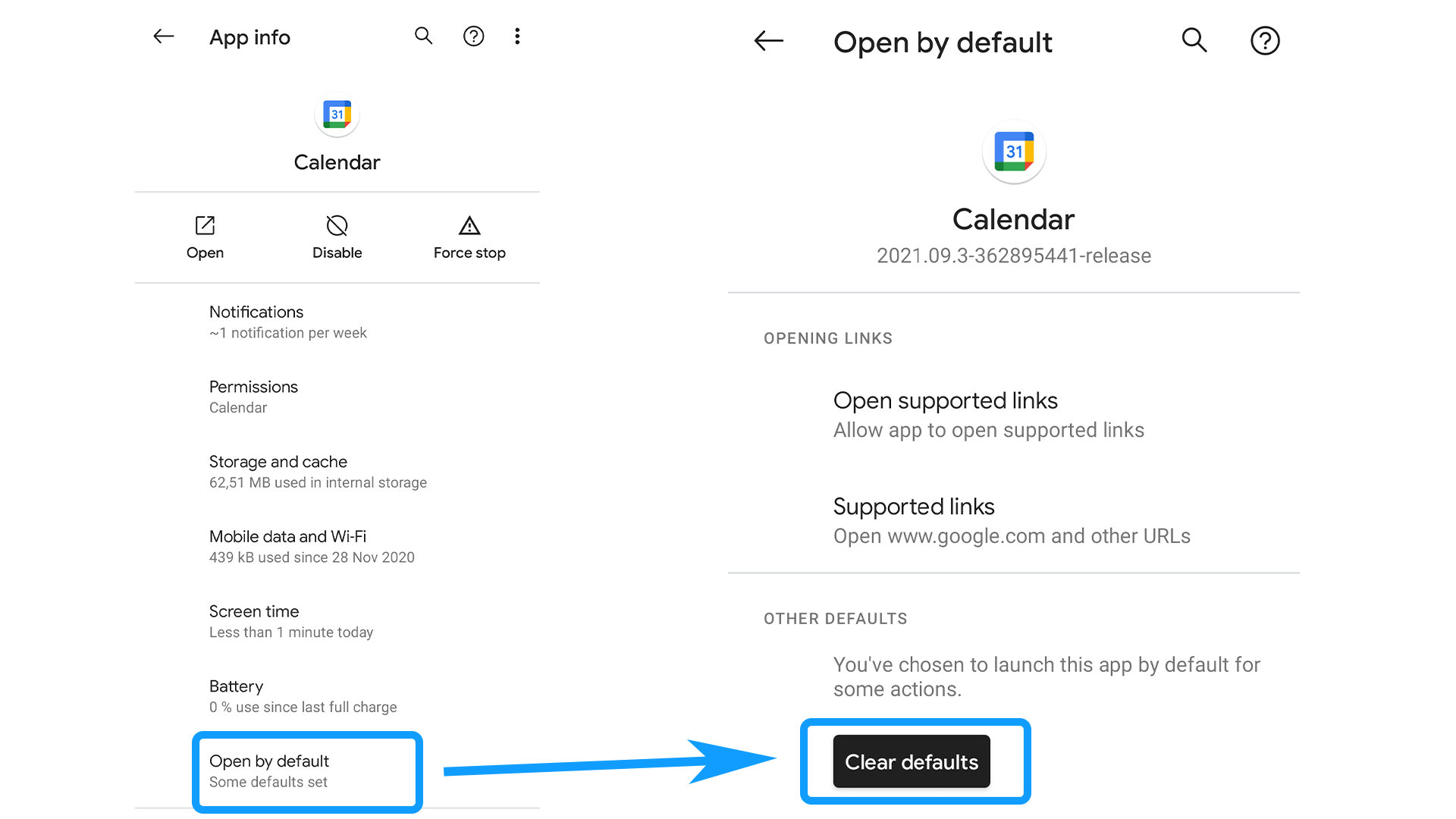
To change which app opens when tapping on Niagara's clock or calendar widget or wallpaper, go to Android's settings > Apps > search for the app which is currently set as default. Then, clear its defaults as illustrated below: